
Apps for Special Editions Beta Release
Each app will take your formatted PDF and decorative elements and apply them. The result will be printable with any printer. See below for full details.
What Can You Create?
Depending on the tool or bundle you choose, you can create:
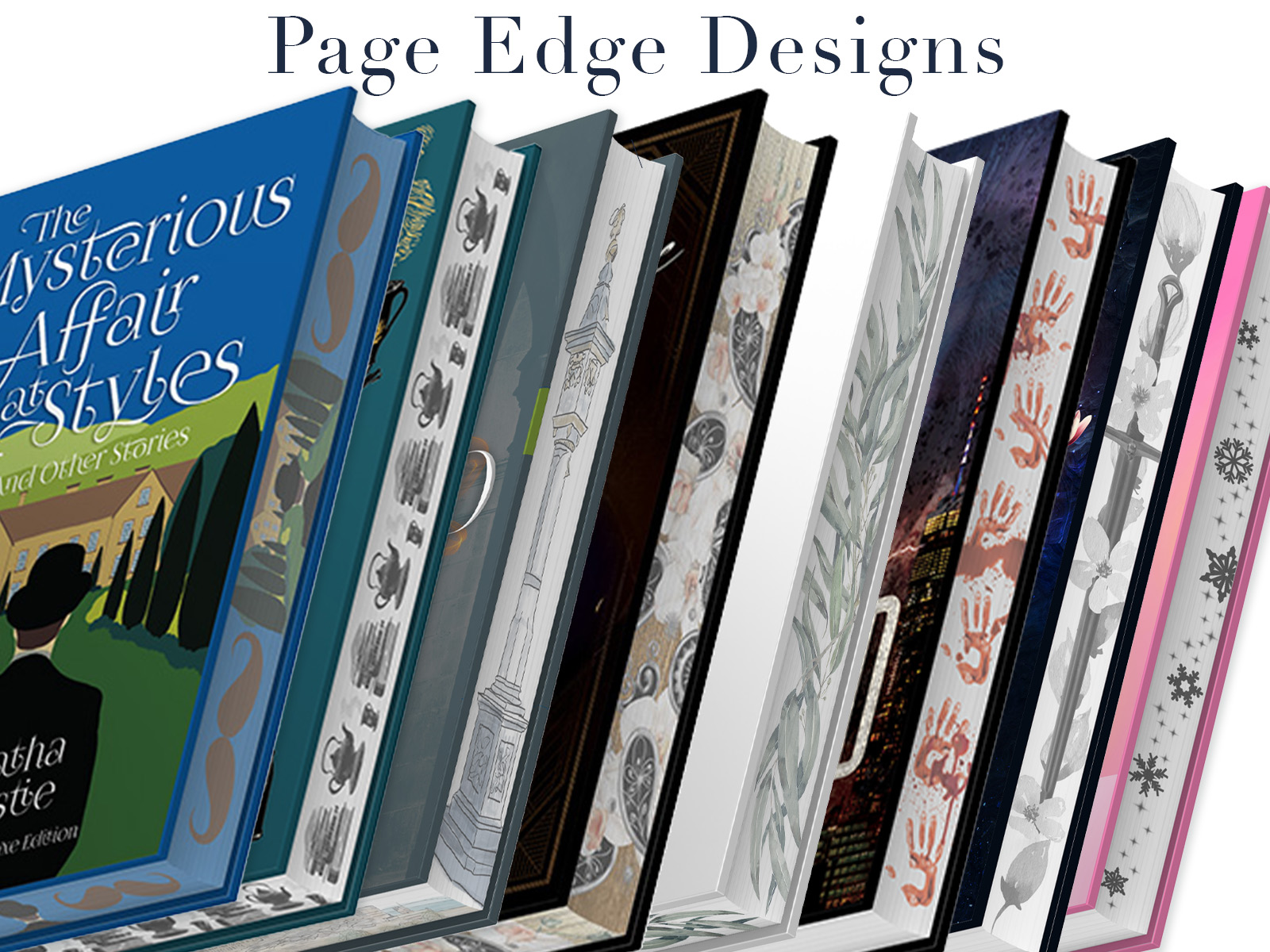
Forced Page-Edge Designs
Turn your artwork into a design that is distributed across the pages of your book, creating an image across the fore edge of the finished book.
Hidden Page-Edge Designs
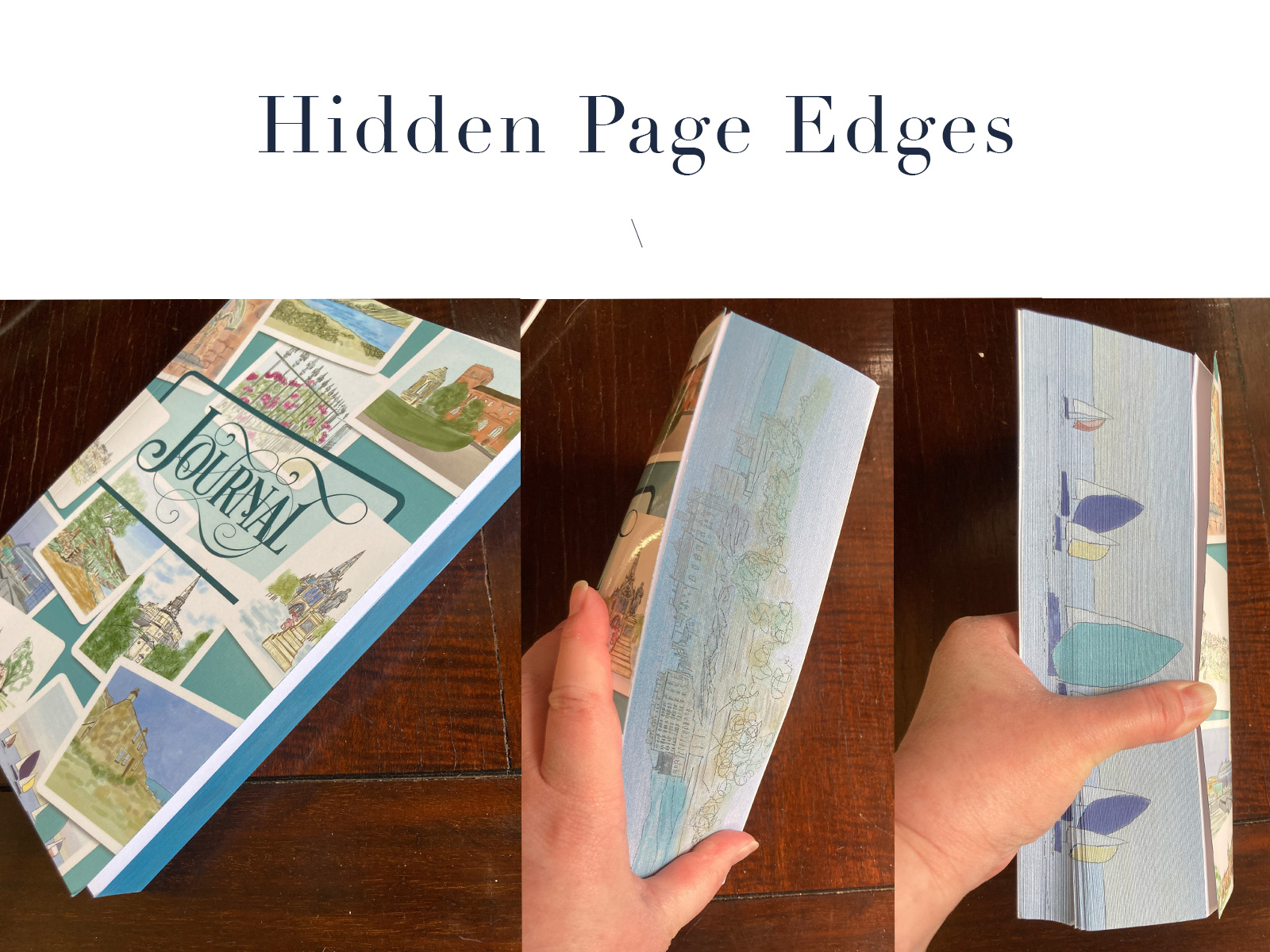
Prepare artwork for hidden-edge effects designed to be concealed beneath a solid sprayed edge and revealed when the pages are fanned.
Flipbook Corner Animations
Add a sequence of images to the corner of your formatted pages so that flipping through the finished book creates a simple animation.

Create Special-Edition Books for Kickstarters or Other Crowd Funding
Special editions are getting more elaborate.
This toolkit helps you add specialty decorative treatments to already-formatted book interiors, including page-edge designs, hidden edge designs, and flipbook-style corner animations.
These tools were created to automate the repetitive technical work required to build these effects across an entire book.
These apps run on your desktop, without connecting to the web so no internet connection is needed. What was once an hours long process is now minutes! Found a typo after uploading? Need to rework your PDF? Not a problem! Just rerun your pdf and images through the app and you've got an updated copy quickly and easily.
I developed these for my use with clients, and they are so easy, I wanted to share them with fellow authors and designers.
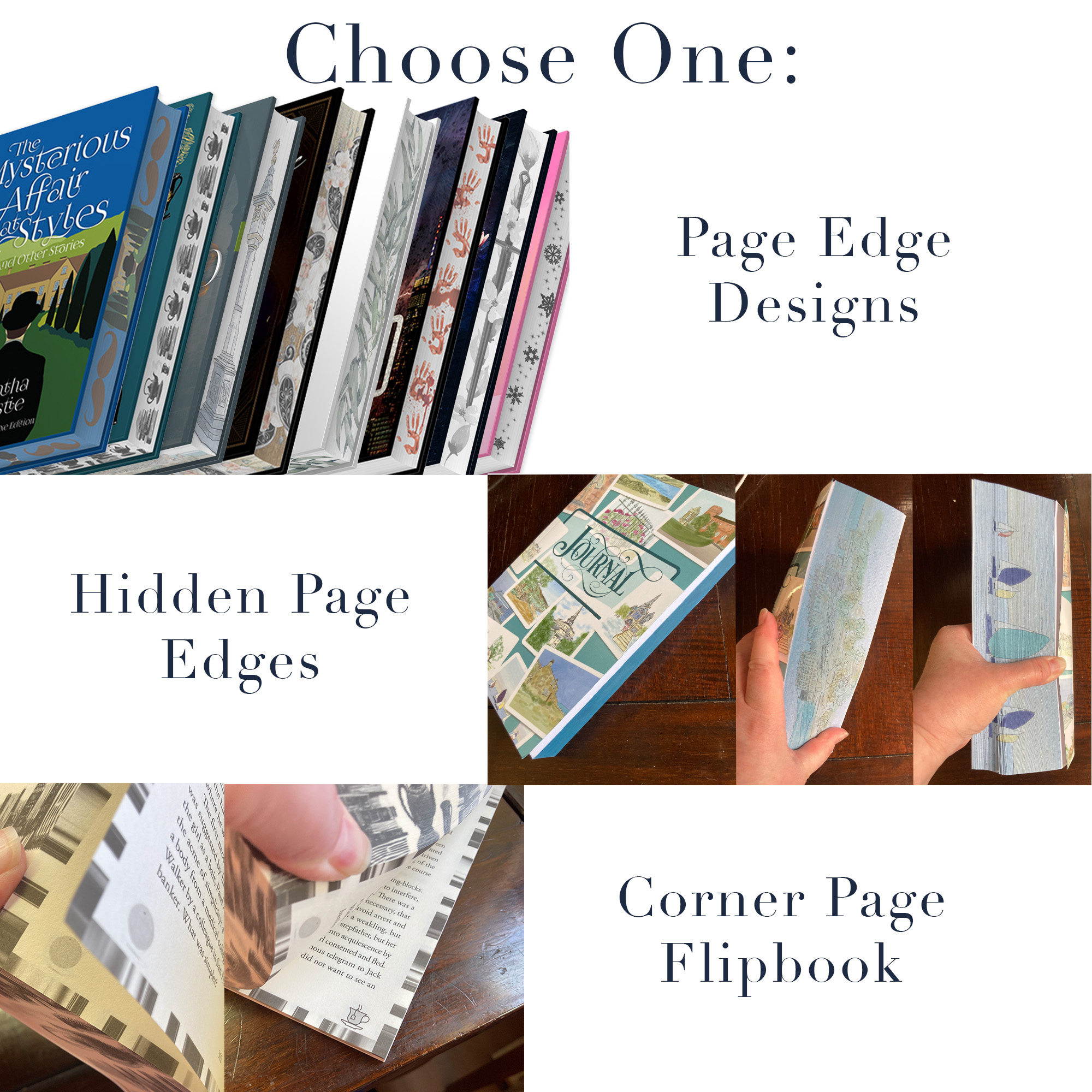
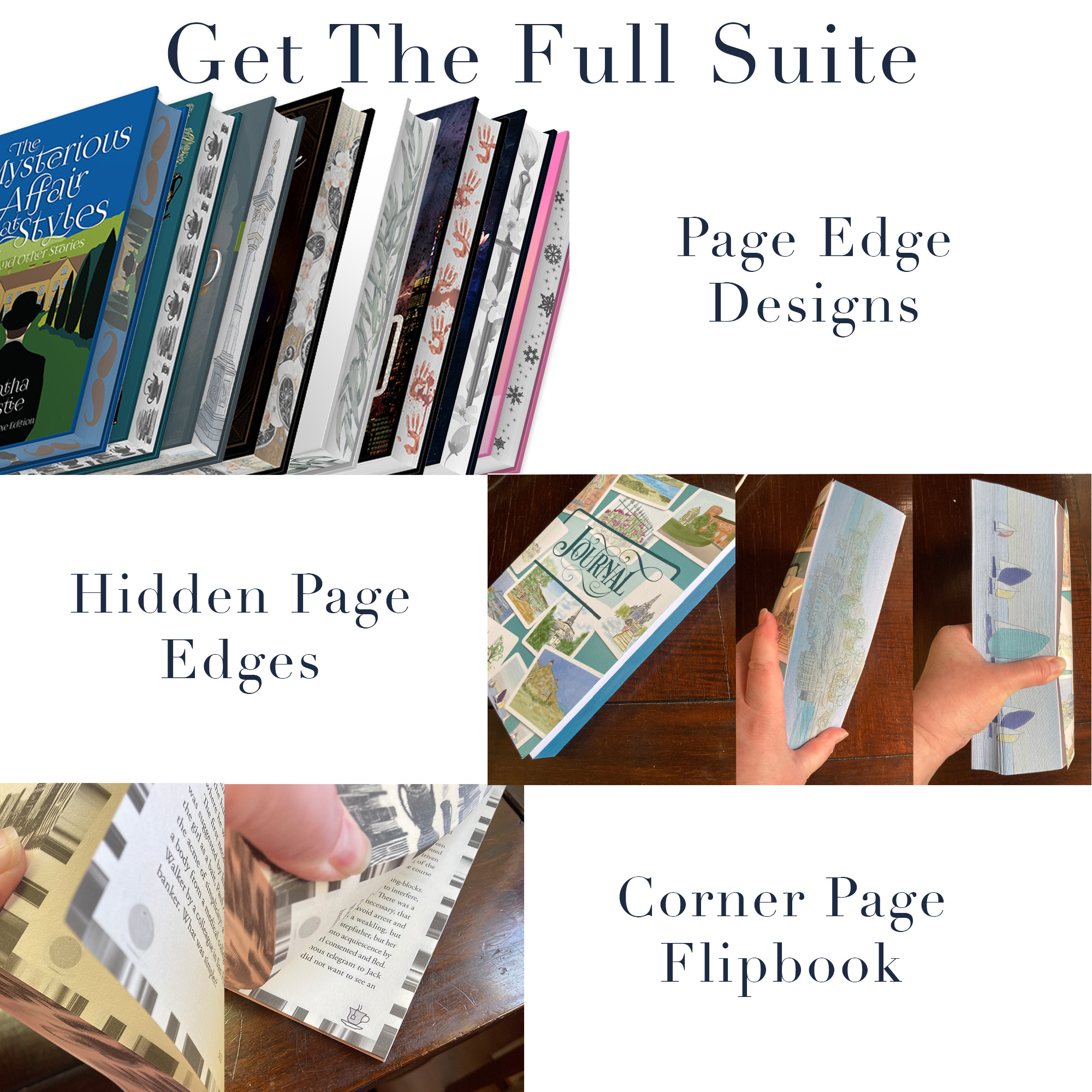
These aren't book-formatting tools. Your interior should already be formatted before you use them. They're designed to turn an ordinary formatted interior into something much more special.
Choose the Tools You Need—or Get the Complete Suite
Individual licenses are available for creators who only need one particular special-edition treatment.
The Complete Suite includes all of the available tools at a bundle price.
Creating books for clients or working as part of a publishing team? The Complete Suite is also available with professional and multi-seat licensing.
Licensing at a Glance
All licenses are one payment, lifetime access, no recurring fees.
Individual License
For one person creating their own books. You can use the tools on as many of your own titles as you'd like, including books you sell commercially.
Professional License
For one designer or production professional creating books for clients.
Publisher / Team Licenses
For publishing companies, design studios, and other organizations that need multiple people to access and use the tools. Please contact me for a quote.
All licenses allow you to use the tools repeatedly within the scope of your license.
Make the Book You've Been Imagining
Special-edition features don't have to mean manually altering hundreds of pages—or figuring out the technical process from scratch.
I've already done that part.
Choose your treatment, bring your formatted book and artwork, and let the tools handle the repetitive work between “Wouldn't it be cool if…” and “Look what I made.”
Frequently Asked Questions
Both!
Sure! Reach out and I'll get you a quote: alice (at) kingdomcovers (dot) com
The time it takes for the apps to work depends on the length of the PDF and size of the other files, but generally a few minutes.
They are available via an instant download immediately after purchase.
Please reach out on to me and I'll get you a quote: alice (at) kingdomcovers (dot) com
I have used these apps for months, and they work perfectly, but until others use them and they work fine, I recognize that I may have further tweaking to do.